
Mixing Light – Using Resolve 18.5 Transcription & Subtitle Tools
Mixing Light – Using Resolve 18.5 Transcription & Subtitle Tools
https://mixinglight.com/color-grading-tutorials/how-to-use-resolve-transcription-subtitle-tools
This Insight examines the machine learning audio transcription and subtitle tools introduced in DaVinci Resolve 18.5, covering timeline and single-clip transcription, silence and filler-word removal, building a timeline from transcript selections, and generating captions with Create Subtitles from Audio. It also walks through caption presets, track-level styling, spelling fixes, and subtitle delivery options, with notes on where the beta implementation still falls short.
Instructor: Jason Bowdach | Duration: 13m 29s | Level: Intermediate | Software: DaVinci Resolve 18.5 | Series: Transcription, Subtitles, and Captions (Part 1 of 2) | Published: August 16, 2023
Key Takeaways
- How to utilize the new transcription feature within DaVinci Resolve 18.5
- How to edit/modify the generated transcription to correct errors, misspellings, proper names, etc
- How to “edit” from the transcription to the sequence, along with how to identify silent portions of the recording and automatically remove them.
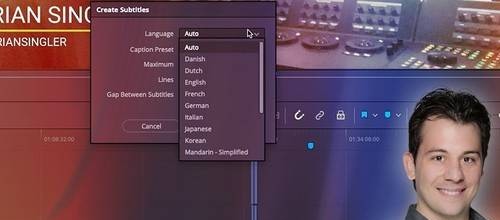
- How to automatically create subtitles
- Where the transcription/subtitle feature breaks down and why I consider it a “beta” even after Resolve 18.5.0 has been officially released.