Ctrl+Paint – Digital Realism Starter Kit
Ctrl+Paint – Digital Realism Starter Kit
Realistic Detail | Photo Textures | Edge Control
English Audio | 6 Video Series | 376 Minutes
Course Details
- Provider: Ctrl+Paint
- Instructor: Matt Kohr, concept artist and creator of Ctrl+Paint
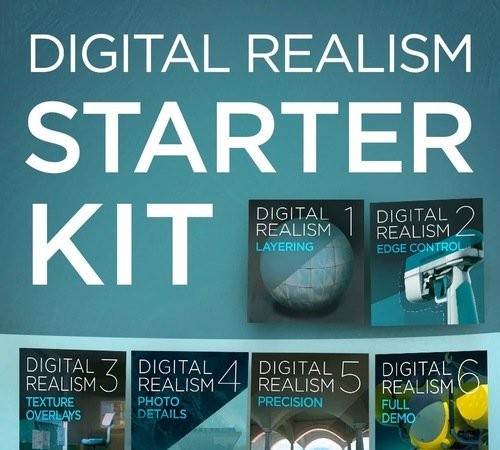
- Included Series: Digital Realism 1: Layering, Digital Realism 2: Edge Control, Digital Realism 3: Texture Overlays, Digital Realism 4: Photo Details, Digital Realism 5: Precision, and Digital Realism 6: Full Demo
- Topics: Layer groups, masks, blending modes and layer hierarchy, pixel and path selections and user channels for clean edges, texture overlays, adding photographic detail with care, precise rendering and a complete realism demo from start to finish
- Course Length: 376 minutes
- Software: Adobe Photoshop
- Recommended Background: Intermediate; builds on the Digital Painting and Color Starter Kits
- Audio: English
- Included: 1 RAR archive
- Provider Website:Ctrl+Paint Store
About This Course
The Digital Realism Starter Kit is made for digital painters who have the basics under control and are ready to add convincing surface detail. Photographic elements are a powerful tool but not a quick fix, and Matt Kohr tackles the common beginner habit of piling photo detail on top of brush strokes without care. The kit breaks detail work into separate tools and practices each one with exercises and drills: layering with groups, masks and blending modes, clean edge control with selections, paths and channels, texture overlays, photo details and precision rendering. The final series brings everything together in a full demo, giving you a manageable, step-by-step path to polished, realistic digital paintings.