
RampCam v0.9.2 – Speed-Ramp Camera Moves for Car Reels
RampCam v0.9.2 – Speed-Ramp Camera Moves for Car Reels
https://superhivemarket.com/products/rampcam?num=1&src=new
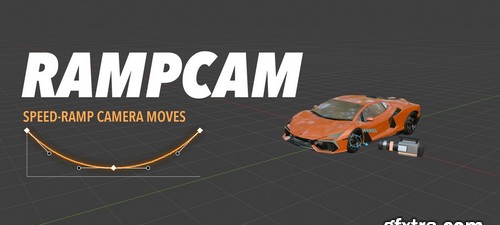
- Car-reel camera work in one click. RampCam puts a camera rig on your vehicle and gives you 49 speed-ramp camera moves (push-ins, orbits, barrel rolls, wheel and emblem close-ups) that cut on the beat. Mark the beats of your song, press Auto Edit, and you have a full edit. Every shot has its own speed ramp, and you can change all of them.
How it works
Video or music. Load your After Effects edit as a reference (its comp markers come in as beat markers), or load a song and press M on each beat. You can add markers while the timeline plays.
Vehicle. Pick the car collection and press Fit Box. The moves take their size from the box, so they work on any car, bike or object.
Target points. Find Parts by Name puts points on the wheels, logos, lights, mirrors, exhaust, grille, bumpers and seats. One mesh with 2 or 4 wheels gives one point per wheel, and each point looks out of the car. You can also click spots on the model.
Auto Edit. Pick a style and press Auto Edit. RampCam makes one shot per beat, with a camera move, a target and a speed ramp for each, and keeps the motion going through the cuts.