Ctrl+Paint – Digital Painting Starter Kit
Ctrl+Paint – Digital Painting Starter Kit
Grayscale Rendering | Light & Shadow | Perspective
English Audio | 6 Video Series | 362 Minutes | Worksheets & PSD Files
Course Details
- Provider: Ctrl+Paint
- Instructor: Matt Kohr, concept artist and creator of Ctrl+Paint
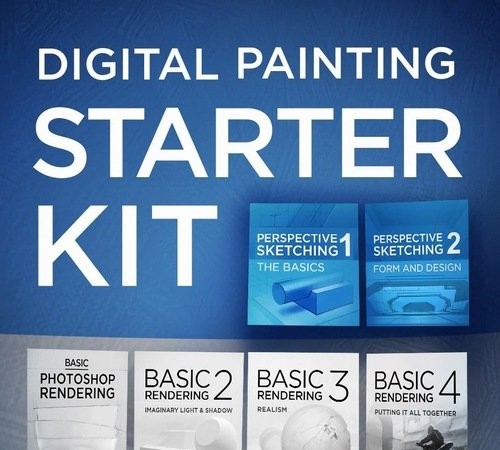
- Included Series: Basic Photoshop Rendering, Basic Rendering 2: Imaginary Light and Shadow, Basic Rendering 3: Realism, Basic Rendering 4: Putting it All Together, Perspective Sketching 1: The Basics, and Perspective Sketching 2: Form and Design
- Topics: Form, light and shadow from observation, lighting imaginary objects, realistic hand-painted grayscale detail, combining rendering skills in a finished scene, perspective basics and designing forms in perspective
- Course Length: 362 minutes
- Software: Adobe Photoshop
- Included Files: Worksheets, line art and PSD files for following along and homework
- Recommended Background: Beginner friendly, a foundation for every digital painter
- Audio: English
- Included: 1 RAR archive
- Provider Website:Ctrl+Paint Store
About This Course
The Digital Painting Starter Kit bundles six of Ctrl+Paint’s premium video series on grayscale rendering and perspective, the foundation that every advanced technique is built on. Matt Kohr starts with Basic Photoshop Rendering, teaching form, light and shadow the way an introductory art school drawing class would, but with Photoshop as the medium. The next series apply those observational skills to imaginary objects, push grayscale rendering toward realism with hand-painted detail, and bring everything together in a finished illustration. Two Perspective Sketching series then cover the basics of perspective and how to design convincing forms within it. Worksheets, line art and PSD files are included so you can follow along and complete the homework.