Ctrl+Paint – Digital Sketching Starter Kit
Ctrl+Paint – Digital Sketching Starter Kit
Digital Linework | Gesture | Technical Drawing
English Audio | 6 Video Series | 371 Minutes | Photoshop Brushes & PSD Files
Course Details
- Provider: Ctrl+Paint
- Instructor: Matt Kohr, concept artist and creator of Ctrl+Paint
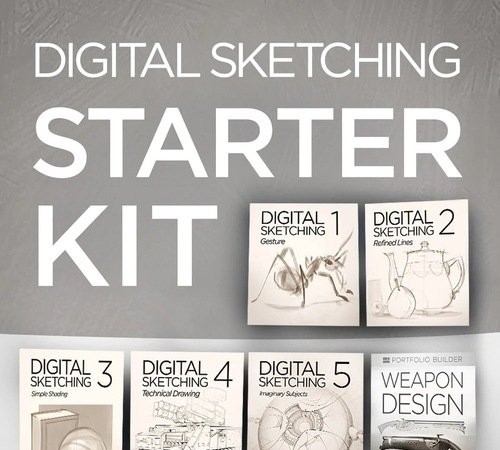
- Included Series: Digital Sketching 1: Gesture, Digital Sketching 2: Refined Lines, Digital Sketching 3: Simple Shading, Digital Sketching 4: Technical Drawing, Digital Sketching 5: Imaginary Subjects, and the Weapon Design Portfolio Builder
- Topics: Loose gesture scribbles and gestural photo studies, refined line control, marker-style grayscale shading, clean technical linework with vector tools, sketching imaginary subjects and a final weapon design project
- Course Length: 371 minutes
- Software: Adobe Photoshop
- Included Files: Custom natural media Photoshop brushes, associated images and PSD files
- Recommended Background: Suitable for beginners and for traditional artists new to sketching with a stylus
- Audio: English
- Included: 2 RAR parts
- Provider Website:Ctrl+Paint Store
About This Course
Sketching clean linework with a stylus is hard, even for pencil and paper veterans. The Digital Sketching Starter Kit from Ctrl+Paint breaks the skill into its component parts and gives you a clear path to better linework. Each of the five Digital Sketching series focuses on one building block of confident line work, from loose gesture drills and refined lines to fast marker-style shading, clean technical drawing with vector tools and sketching subjects from your imagination. Every series comes with drills and exercises that move from simple to complex, and the kit closes with the Weapon Design Portfolio Builder, a final project to put all of your new skills to the test. Custom Photoshop brushes and PSD files let you follow along with every video.